
Download Audit Manager - CEService – Audit Tool, Quality Control, Productivity
Overview
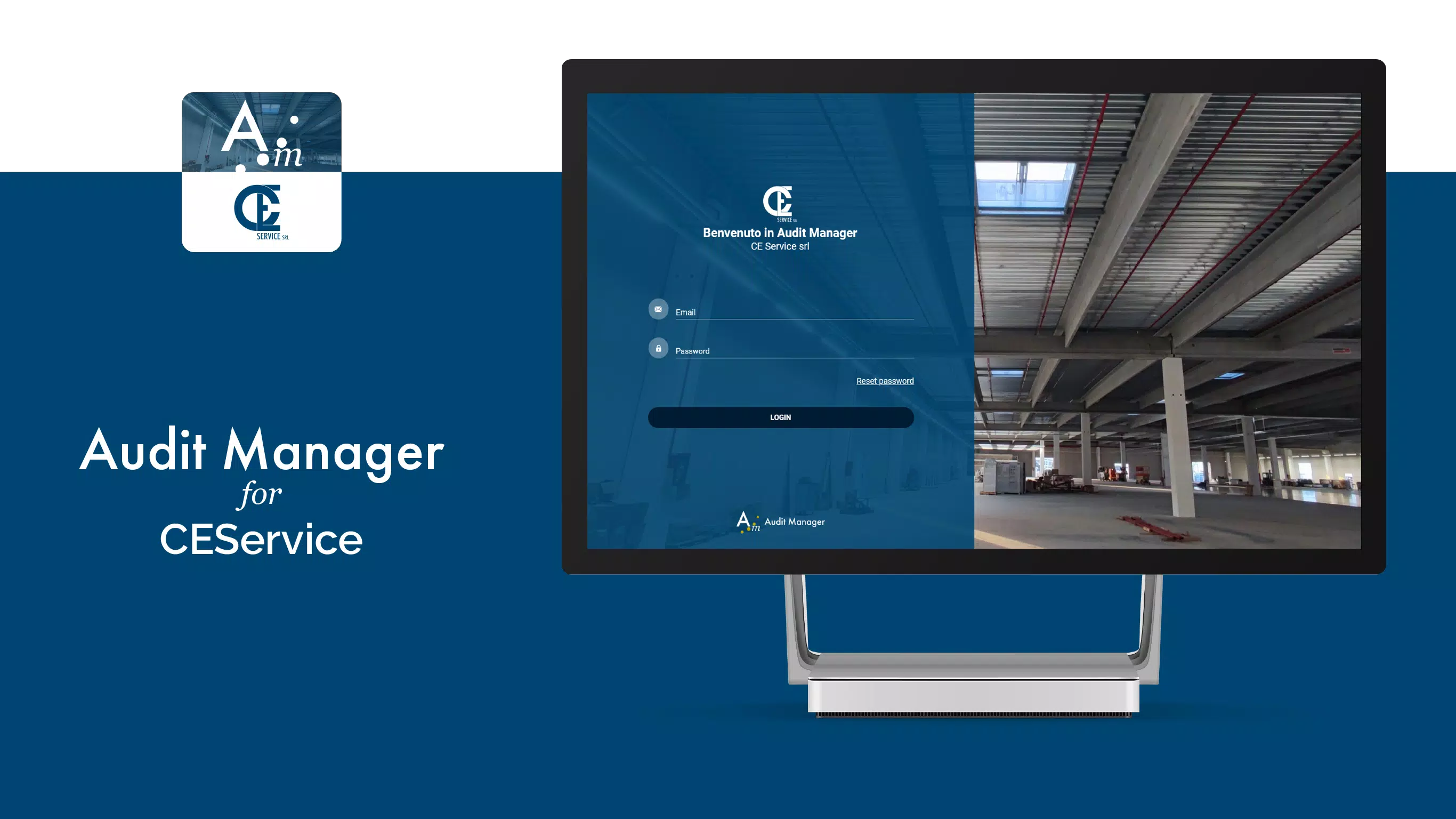
Audit Manager - CEService is a structured digital solution tailored for businesses seeking to streamline internal audit processes. Designed to support comprehensive quality control and testing activities, the app provides a systematic framework for managing audits from initiation to completion. Its dual-platform functionality—comprising dedicated mobile apps for on-site data collection and a web portal for centralized oversight—enables organizations to maintain consistency, improve transparency, and accelerate audit cycles.
The app is particularly suited for teams in regulated industries, compliance departments, and quality assurance units that require accurate, traceable, and auditable records. By digitizing manual processes such as checklist execution and report generation, Audit Manager - CEService reduces human error and enhances accountability. Real-world use cases include facility inspections, process compliance reviews, and supplier evaluations, where timely data capture and cross-team collaboration are critical.
While the developer, CEService, is not further detailed in the provided information, the app’s focus on structured audit workflows suggests a targeted approach to enterprise-level operational efficiency. The integration of real-time monitoring and secure data sharing positions it as a valuable component in modern digital transformation strategies. Its role in enhancing organizational governance underscores its significance within the productivity and utility app ecosystem.
Key Features & Functionality
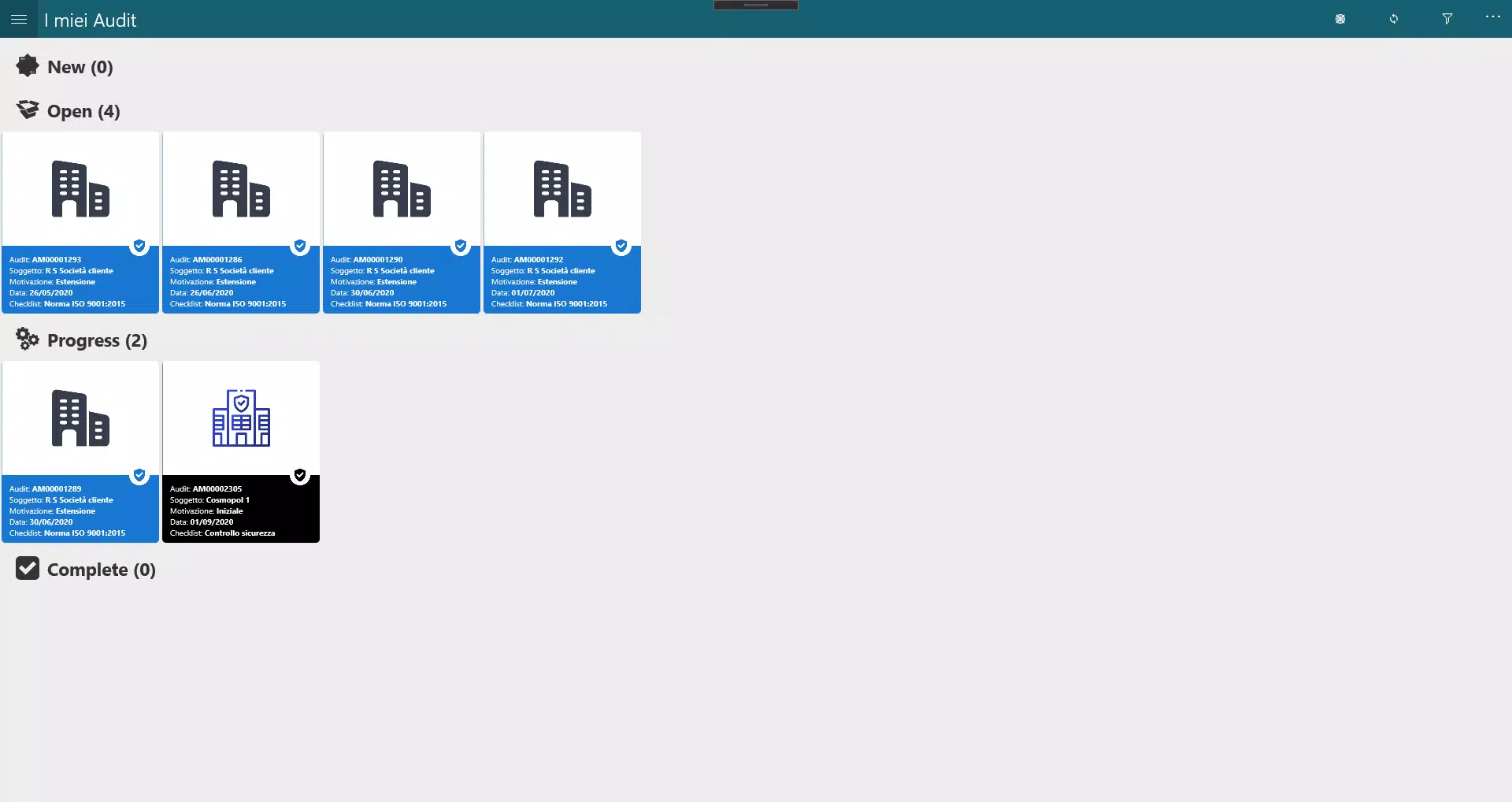
- Comprehensive Activity Management: The app offers a full lifecycle system for tracking audit activities, including planning, execution, follow-up, and reporting. This ensures every step is documented, enabling audit trail integrity and regulatory compliance.
- User-Friendly Mobile Apps: Designed for on-the-go use, the mobile interface simplifies data entry and navigation, allowing auditors to conduct assessments efficiently without requiring technical expertise.
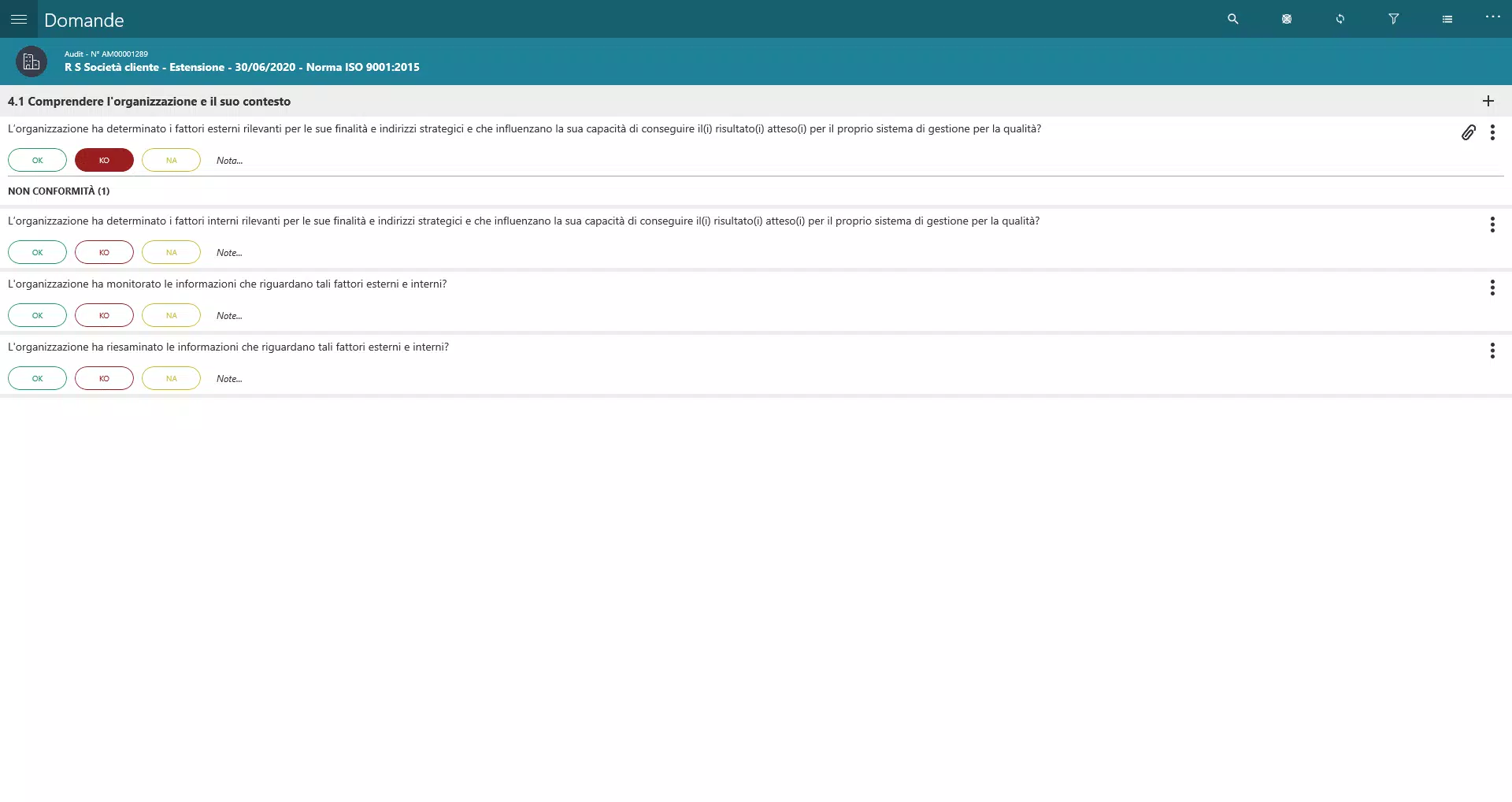
- Digitized Checklists: Predefined digital checklists guide users through standardized audit procedures, reducing oversight and ensuring consistent evaluation across different sites or teams.
- Real-Time Data Monitoring: Users can view live updates on audit progress, enabling immediate identification of bottlenecks, non-conformities, or delays, which supports proactive decision-making.
- Efficient Data Sharing: The platform allows secure sharing of audit results and reports with authorized stakeholders, promoting collaboration and reducing delays caused by manual handoffs.
For example, a quality inspector at a manufacturing plant can use the mobile app to complete a checklist during a facility walkthrough, instantly syncing results to the web portal. Managers then access real-time dashboards to monitor compliance trends and assign corrective actions. This workflow eliminates paper-based delays and ensures all parties have synchronized, up-to-date information.
Interface, UX & Performance
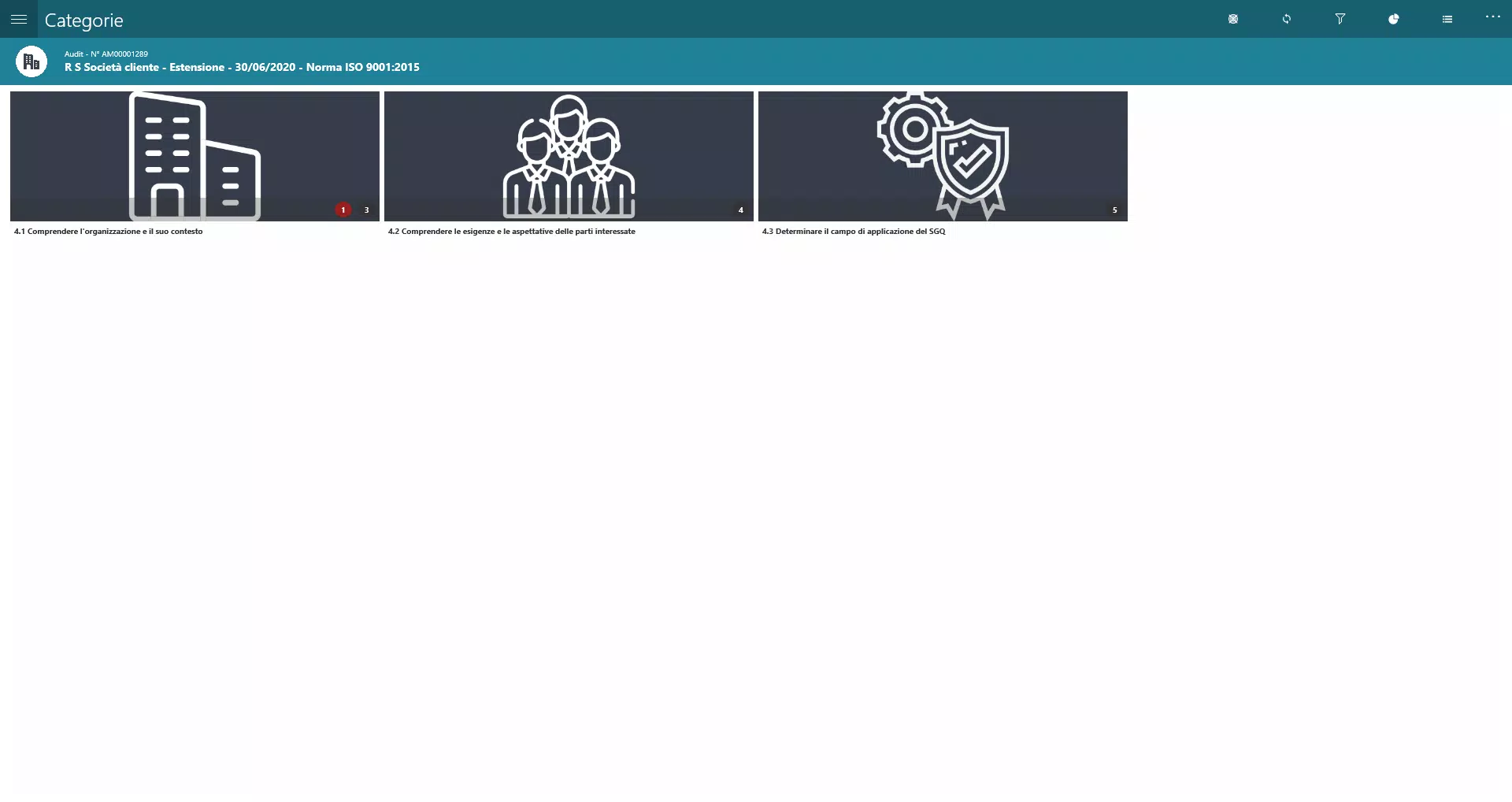
The interface of Audit Manager - CEService reflects a clean, functional design optimized for usability in high-pressure environments. Navigation is structured around core tasks—initiating audits, accessing checklists, reviewing reports—ensuring minimal cognitive load during on-site assessments. Visual cues and intuitive layout help users focus on content rather than controls.
Although the developer did not list formal performance metrics, the app’s mobile-first design suggests optimization for responsiveness across various smartphone categories. Users can expect smooth transitions between screens and quick loading of audit templates, even in low-connectivity scenarios, thanks to localized data caching. Stability is implied by the structured nature of the workflow and the absence of reported issues in the provided data.
Interaction patterns follow standard mobile conventions, making the learning curve minimal for new users. The consistent use of icons, labels, and progress indicators supports ease of use, especially for field staff with limited technical training. While no specific testing data was provided, the emphasis on real-time data handling and offline functionality indicates a focus on reliability in practical environments.
Platform Compatibility & Technical Requirements
Audit Manager - CEService is available on the Android platform, as indicated by the provided information. The app’s file size is listed as 12.4 MB, suggesting a lightweight footprint suitable for devices with moderate storage capacity. The software version is 1.0.1, and the release date is December 9, 2024.
Specific operating system requirements were not listed. The developer did not specify minimum OS versions or hardware capabilities. Compatibility information was not fully disclosed, so users should verify device compatibility through official channels. No iOS availability was mentioned, limiting platform access to Android users at this time.
Pros and Cons
Pros
- Structured audit workflow enhances process consistency and compliance.
- Mobile apps enable efficient on-site data collection with intuitive navigation.
- Digitized checklists reduce human error and ensure standardized assessments.
- Real-time monitoring supports timely interventions and better oversight.
- Secure data sharing improves team coordination and reduces reporting delays.
Cons
- Platform availability is limited to Android; no iOS version was specified.
- Minimum OS and device requirements were not disclosed.
- Performance under low connectivity or high load conditions was not tested or reported.
- Integration with third-party tools was not mentioned.
- Advanced customization options for checklists or workflows were not detailed.
FAQ
Is Audit Manager - CEService available for iOS devices?
The provided information does not confirm iOS availability. The app is currently listed as Android-only.
Can I use Audit Manager - CEService offline?
The app supports on-site data collection, suggesting offline functionality for checklists and forms. However, specific details on offline capabilities were not provided.
How secure is the data stored in Audit Manager - CEService?
Data security is a core component of the app’s design, particularly for compliance-sensitive operations. However, no specific encryption standards or security protocols were disclosed.
Are updates regularly released for Audit Manager - CEService?
The app’s latest version is 1.0.1, released on December 9, 2024. While regular updates are common in productivity tools, the update frequency was not specified.
Can I customize audit checklists in Audit Manager - CEService?
The app includes digitized checklists, but details on customization features were not provided. Users may need to contact the developer for advanced configuration options.
Final Thoughts
Audit Manager - CEService stands out as a focused, efficient tool for organizations aiming to modernize their audit processes. Its combination of mobile accessibility, real-time tracking, and structured workflows delivers tangible benefits in accuracy, speed, and accountability. While platform limitations and lack of detailed technical specs are notable, the app’s core functionality addresses critical pain points in quality control and compliance management.
It is especially valuable for teams in manufacturing, healthcare, logistics, and any sector requiring rigorous documentation and audit readiness. The app’s lightweight design and clear purpose make it a practical choice for professionals seeking a reliable audit companion.
Download Audit Manager - CEService now


